How Ajako Taja turns scattered news feeds into short, sourced stories
A look inside Ajako Taja's pipeline: hourly feed ingestion, grouping items that cover the same story, AI-written summaries grounded in the sources, and the human checkpoints along the way.
Padma Raj LamaPublished 5 min read

Ajako Taja (आजको ताजा) is an AI-assisted news site I built while teaching myself AI. Instead of one firehose of headlines, it looks for stories that several sources are actually covering, and turns each one into a short article written only from those sources. This article explains how it works, stage by stage, and why it is built that way.
At a glance#
- What it is: a news site that groups coverage of the same story and summarizes it with AI.
- Built with: two Next.js 16 apps on Vercel, Supabase Postgres and Storage, and pluggable LLM providers.
- How it runs: a chain of scheduled jobs — ingest, group, write, illustrate, publish, distribute, clean up.
- Who decides: editors, by default. Automation is switched on per topic area, one step at a time.
The problem it solves#
News is scattered across hundreds of outlets, and a single loud headline is easy to mistake for a real story. Reading every source yourself takes time; reading only one gives you one angle. I wanted something that waits for multiple independent sources to agree that something happened, then condenses what they report — without adding anything that isn't in them.
That goal shapes the whole design. The hard part is not writing a summary; language models do that easily. The hard part is deciding what counts as a story in the first place, and making sure the summary stays tied to real reporting.
How the pipeline works#
Everything runs as scheduled jobs on Vercel Cron, owned by the staff dashboard app. Each stage does one job, writes its result to the database, and leaves the next stage to pick it up. Here is the full chain with its default schedules:
- Ingest (hourly). Pull each topic area's RSS feeds into a
raw_newstable. This step is pure I/O — no AI. - Group (every six hours, or three times a day with AI grouping). Cluster items that cover the same real-world story into topics, with confidence and velocity scores and same-story de-duplication.
- Write (every five minutes). Turn a qualifying topic into a short English article with an LLM, using only the clustered source material, and attach a stock photo from Pexels.
- Illustrate (every thirty minutes). Build featured, Open Graph, and per-channel social images.
- Publish. Approved articles appear on the public site under
/trending-news/<slug>. - Distribute (every two minutes). A queue sends posts to X, LinkedIn, Facebook, Instagram, and Threads through Buffer.
- Clean up (daily). A retention job removes old data, and runs as a dry run unless it is explicitly enabled.
Grouping comes before writing#
The grouping stage is the heart of the system. Every topic it creates carries two numbers: a confidence score (how sure the system is that these items describe the same event) and a velocity score (how quickly coverage is growing). Later stages use these scores as gates, so a story that only one outlet mentions, or that nobody else is picking up, never reaches the writer automatically.
Each topic area can use either the default grouping method or an AI grouping method, so the more expensive option is only used where it earns its keep.
The writer only sees the sources#
When the writing stage runs, the model receives the material clustered for that one story and nothing else. It is asked to condense, not to research. New articles land as drafts or pending items rather than going live, which keeps a person in control of what readers see.
Images without an image model#
Featured images, Open Graph cards, and per-channel social images are composed with the sharp image library: a stock photo, the headline, and the site's branding, laid out for each format. No AI image model is involved, which keeps the visuals predictable and avoids generating pictures of events that never happened.
Humans stay in the loop#
Automation is opt-in per topic area. Four AI-automation toggles in the dashboard decide how far a story can travel without a person approving it — from requiring an editor to approve each topic, to automatic approval and publishing gated by scores, to automatic social posting once enough sources agree.
Editors can review every step, and staff can trigger any pipeline stage by hand from the dashboard. That makes it practical to start a new topic area in fully manual mode, watch what the pipeline produces, and only then let it run on its own.
What readers get#
- A front page of today's trending stories, plus a week-long trending list.
- Topics such as news and current affairs, business, technology, science, health, sports, environment, and education.
- A personalized "For You" feed, so readers follow the topics they care about instead of everything.
- Sitemaps, a news sitemap, and RSS for search engines and feed readers, plus a newsletter.
Architecture#
- Two Next.js 16 apps on Vercel: the public reader site and a staff dashboard that also hosts every cron endpoint.
- Supabase for Postgres (with pgvector) and Storage for images.
- Shared TypeScript packages for the pipeline stages, LLM providers (Anthropic, OpenAI, Gemini, and Vertex, with Gemini as the default), image generation, social publishing, and storage.
- Tunable thresholds in one pipeline config file, each overridable with an environment variable of the same name.
- Jest unit tests for the agents, publishers, and image generation.
Splitting the reader site from the dashboard keeps the public app small and fast, while all the heavy, scheduled work lives with the staff tools that control it.
Design choices worth copying#
- Keep AI away from raw input. Ingestion is plain I/O, so a bad feed can never steer a model directly.
- Decide what a story is before writing it. Grouping and scoring happen first; writing is the last, narrowest step.
- Make automation a dial, not a switch. Per-topic toggles let you automate where quality is proven and stay manual elsewhere.
- Prefer deterministic tools where they're enough. Composited images are cheaper and more trustworthy than generated ones.
Frequently asked questions#
Does AI decide what gets published?#
Only if editors allow it. By default an editor approves topics; automatic approval and publishing can be switched on per topic area, and even then they are gated by the confidence and velocity scores.
Which AI models does Ajako Taja use?#
The LLM layer supports Anthropic, OpenAI, Gemini, and Vertex providers behind one interface, with Gemini as the default. Changing provider is configuration, not a code change.
Are the images AI-generated?#
No. Images are composed from a stock photo and the headline with the sharp library; no AI image model is used.
Read the full case study on the Ajako Taja project page, or visit ajakotaja.com to see it running.
Related case study: read how it was built
Related articles
Product Building4 min read
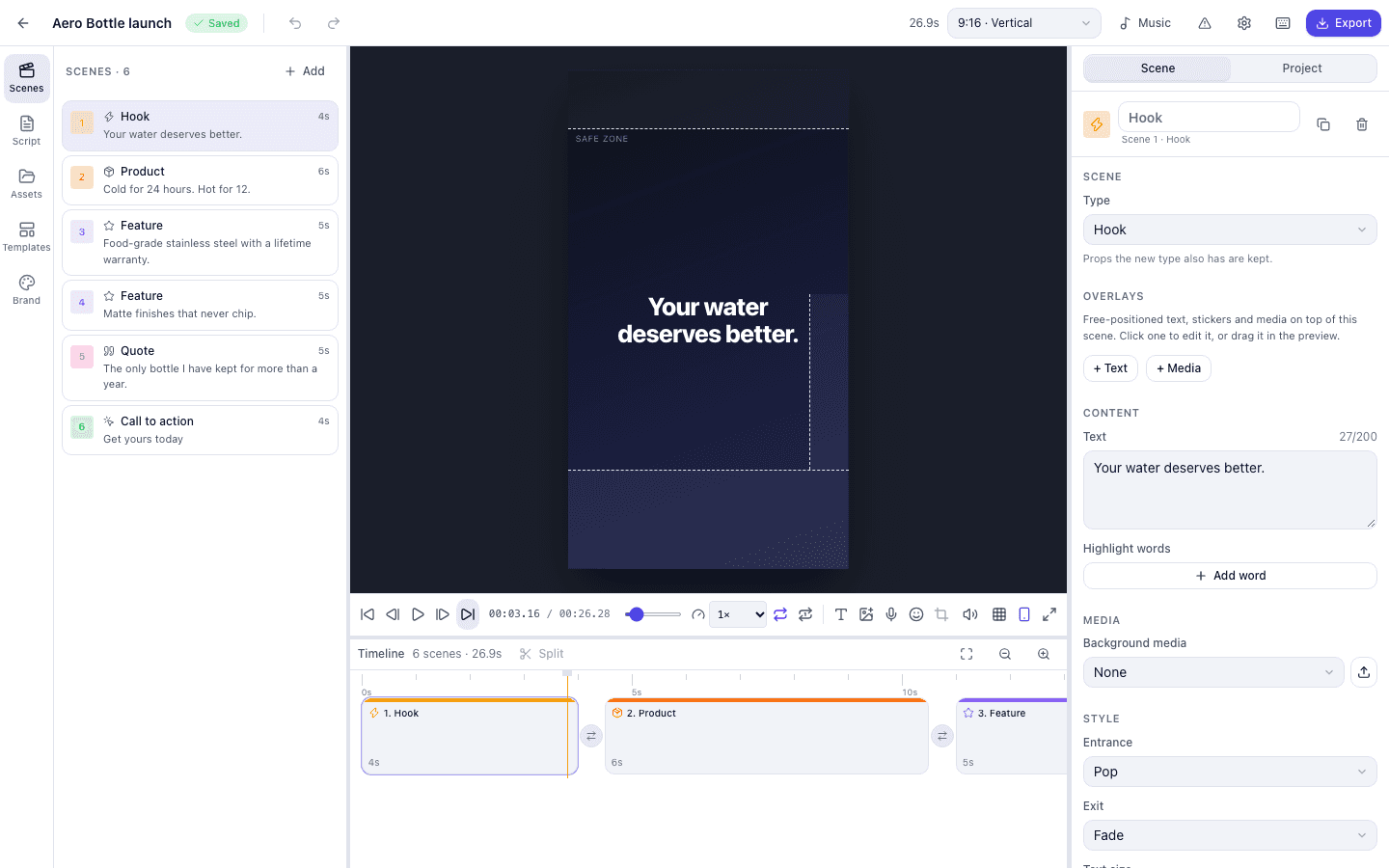
GuidedReel: an open-source script-to-video editor for web and desktop
What GuidedReel does, how one shared Remotion engine powers both a Next.js web app and an Electron desktop app, and the features that make short promo and social videos repeatable.

Product Building4 min read
Inside Recent Visits: travel guides, an AI trip planner, and honest recommendations
How Recent Visits combines a Nepal travel publication, an AI assistant grounded in published guides, and a partner marketplace whose rules keep sponsored tours from crowding out good matches.