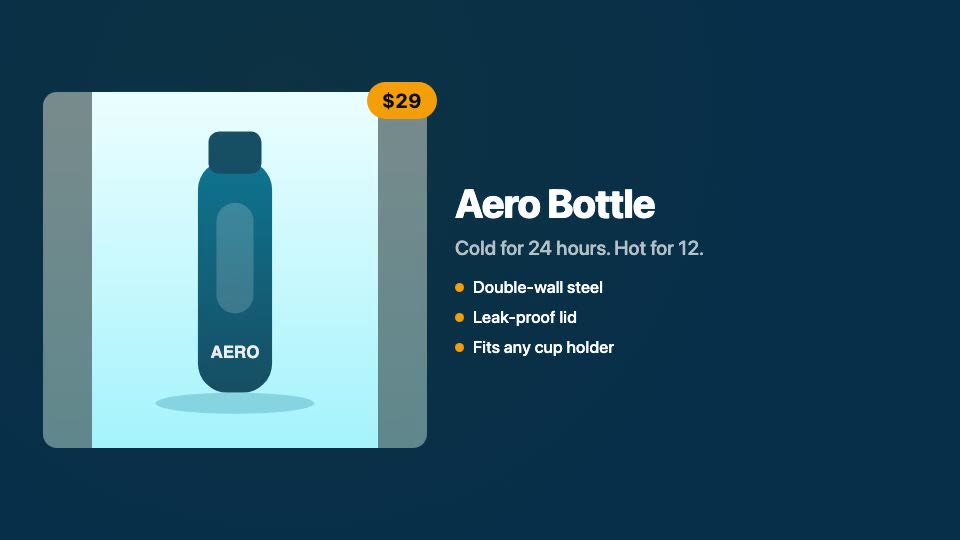
GuidedReel
An open-source script-to-video editor: write a script, choose a format and template, add your media, and export an MP4 — in the browser or on the desktop.
- Role
- Creator
- Type
- Open Source
Overview
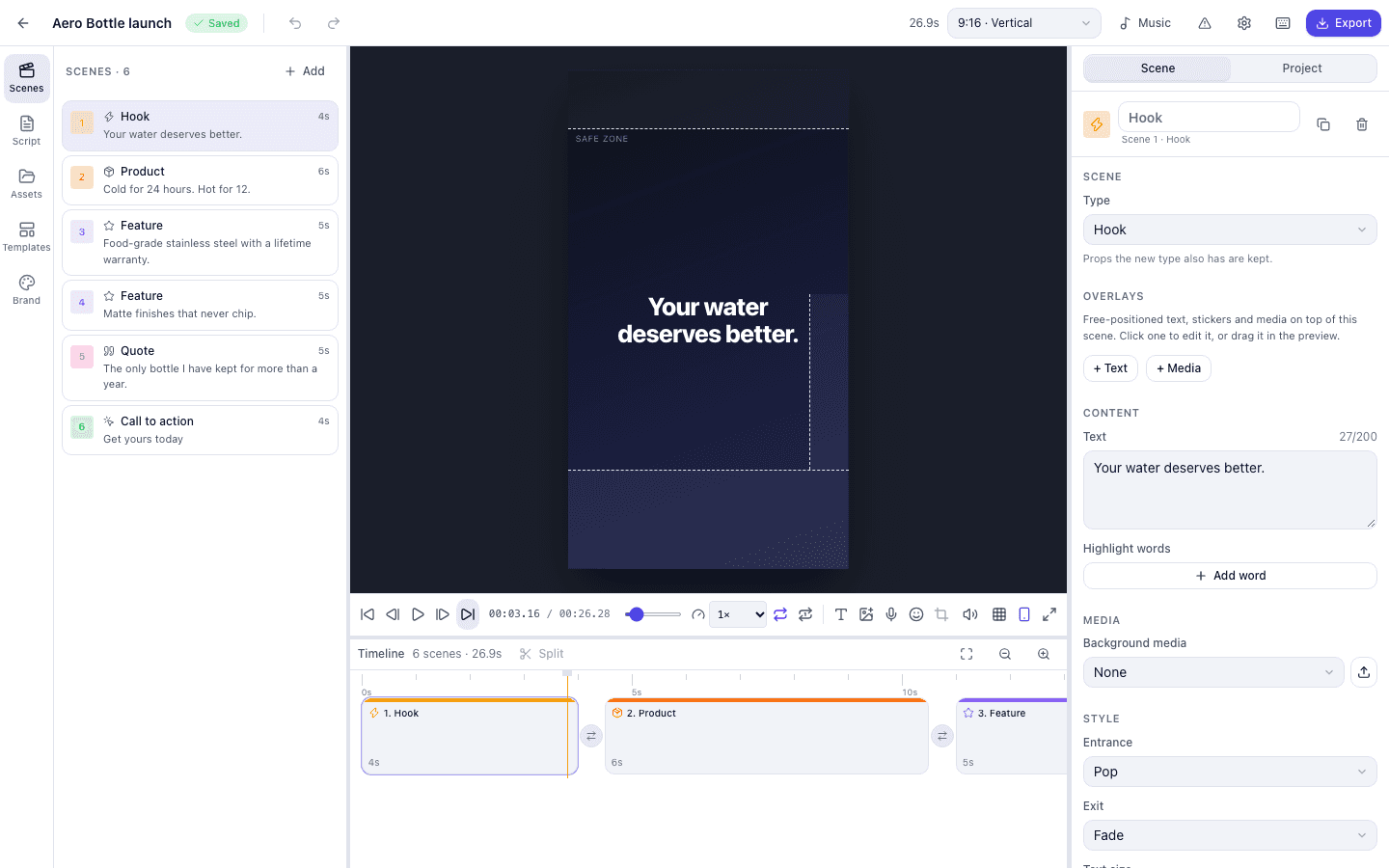
GuidedReel turns a script and a few assets into a finished video. You write or paste a script, pick a format and a template, drop in images, clips, voiceover, and music, adjust the timing, and export. One shared video engine built on Remotion powers both a Next.js web app and an Electron desktop app for macOS, Windows, and Linux. It is MIT-licensed, and a scaffolder lets other developers build their own video products on the engine.
The problem
Short promotional and social videos usually mean either hand-editing every cut or handing your content to a black-box generator. GuidedReel keeps the script and media yours and makes the editing repeatable, with templates and formats you can reuse across videos.
What I built
- Designed and built the shared video engine, the web editor, and the desktop app.
- Built script-first editing: paste a plain script, JSON, or CSV and get scenes.
- Published the engine as reusable packages with a project scaffolder (create-guidedreel).
Architecture & key decisions
- pnpm and Turborepo monorepo with a core engine package shared by the web and desktop apps.
- Project → Scenes → Assets → Timeline → Template → Remotion composition → renderer → MP4.
- Versioned project schema with migrations, so projects move between web and desktop.
- Local rendering on desktop and server rendering on the web; H.264, H.265, VP9, or ProRes export.
Screenshots
- Open full-size image (opens in a new tab)
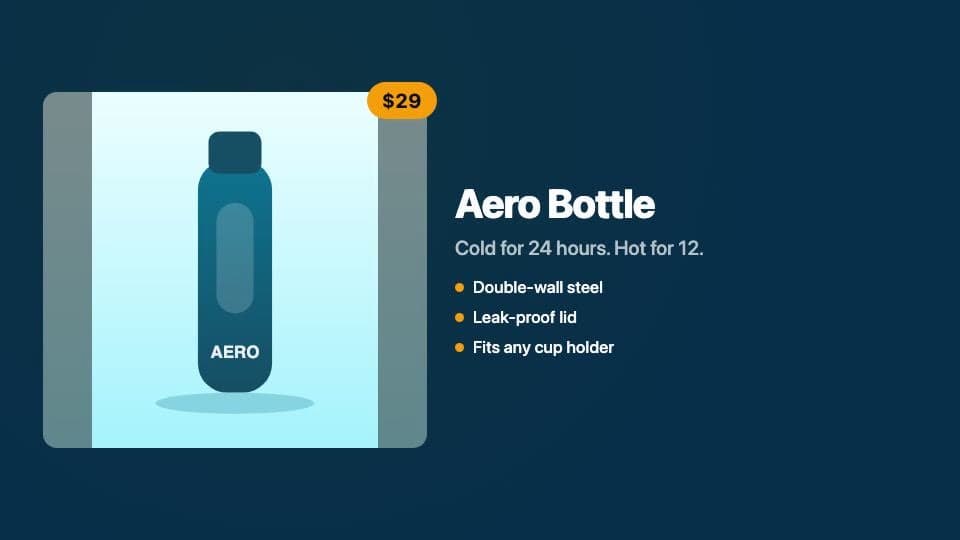
Product Ad - Open full-size image (opens in a new tab)

Modern Promo